


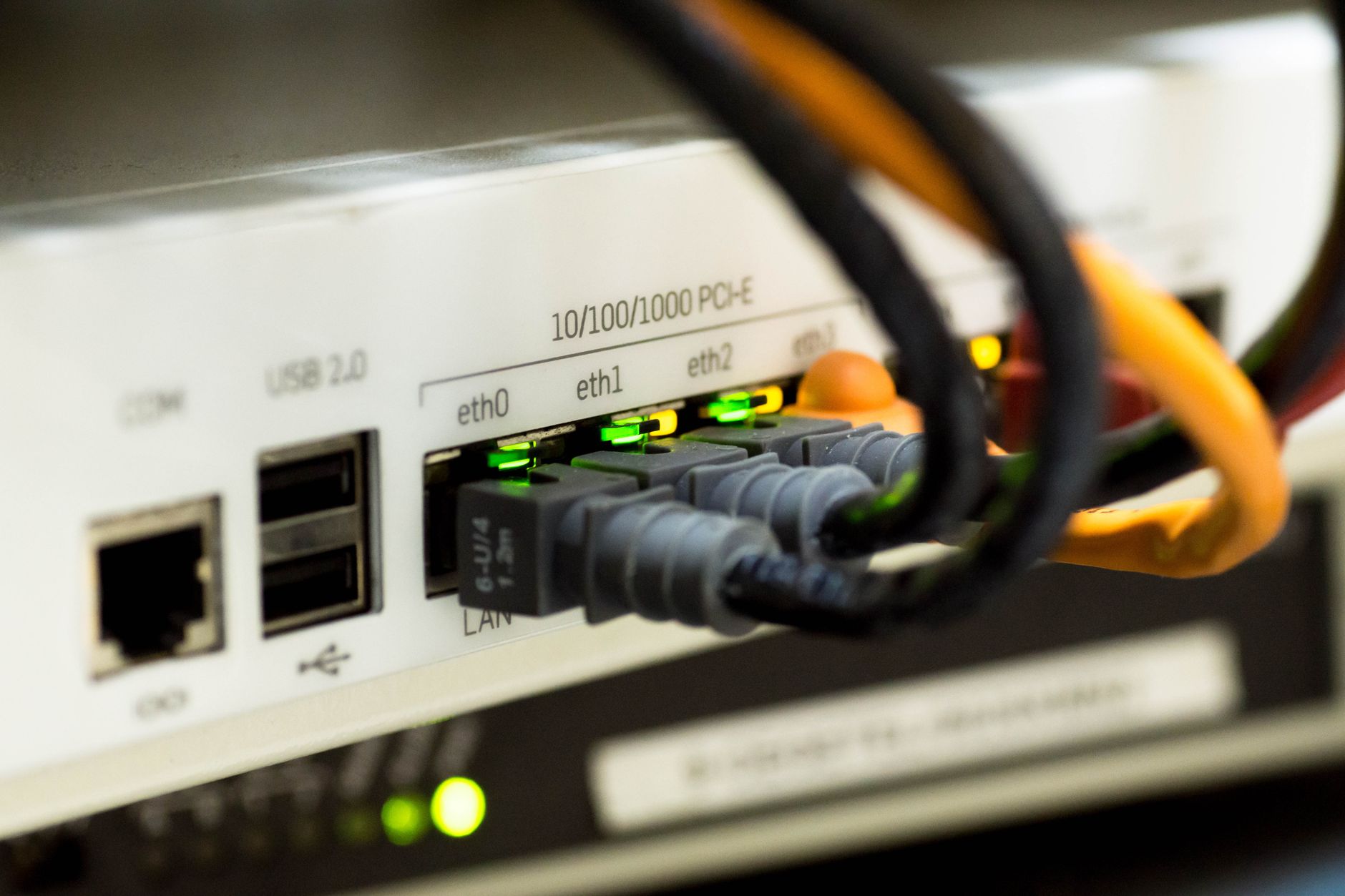

Featured image: Photo by Jakub Zerdzicki on Pexels
The oldest device on your Wi-Fi network may be the silent cause of sluggish performance
Modern households often connect over 20 devices to a single Wi-Fi network, ranging from smartphones and laptops to smart home gadgets. Yet many users overlook the impact of older, slower devices on overall network speed. Legacy hardware can force even high-end routers to compromise performance, creating a ripple effect that affects all connected devices.
Wi-Fi networks operate on a shared spectrum, requiring all devices to communicate using compatible protocols. When a router detects a device that supports only outdated transmission rates—such as 1 Mbps or 11 Mbps—it must adjust its operations to accommodate the slowest device. This includes sending control signals at lower speeds, which can inadvertently slow down the entire network, even for newer devices that support faster rates.
Another issue arises from “airtime fairness,” a default router setting that gives every device equal transmission opportunities. This means slower devices take longer to send data, causing faster devices to wait. Adjusting this setting to allocate transmission time based on device speed can mitigate the problem, though it may require manual configuration on the router’s admin page.
Users can also modify the “basic rate” setting, which defines the minimum transmission speed required for a device to connect. Raising this threshold can exclude incompatible older devices from the network or force them to upgrade their transmission rates. However, this approach risks disconnecting smart home gadgets that cannot meet the new standards, necessitating a workaround.
Creating a separate SSID for IoT devices on the 2.4 GHz band offers a practical solution. This isolates slower smart home devices from faster 5 GHz or 6 GHz networks, allowing them to use the 2.4 GHz band’s broader range without interfering with high-speed devices. This segmentation ensures that performance-critical devices, such as gaming consoles or video streaming devices, operate on faster bands without being slowed by legacy hardware.
FAQ
- Why do older Wi-Fi devices slow down the network? Older devices force the router to use slower transmission rates for all connected devices, even if newer hardware supports faster speeds.
- How can I adjust the basic rate setting on my router? Access the router’s admin page, navigate to “Advanced” Wi-Fi settings, and look for options like “basic rate set” or “data rate control.” Increase the minimum rate incrementally and monitor device connectivity.
- What is the benefit of using a separate SSID for IoT devices? It isolates slower smart home gadgets on the 2.4 GHz band, preventing them from interfering with faster 5 GHz or 6 GHz networks used by performance-sensitive devices.
The hard truth
Even the most advanced Wi-Fi 6 or 7 routers cannot outperform the limitations imposed by outdated devices. Users must manually configure settings or segment networks to avoid performance bottlenecks, a process that may exclude some smart home gadgets. For critical applications, hardwiring devices via Ethernet remains the most reliable solution.
Source attribution
XDA: https://www.xda-developers.com/oldest-wi-fi-device-setting-rules-for-everything-else/
Source: XDA