


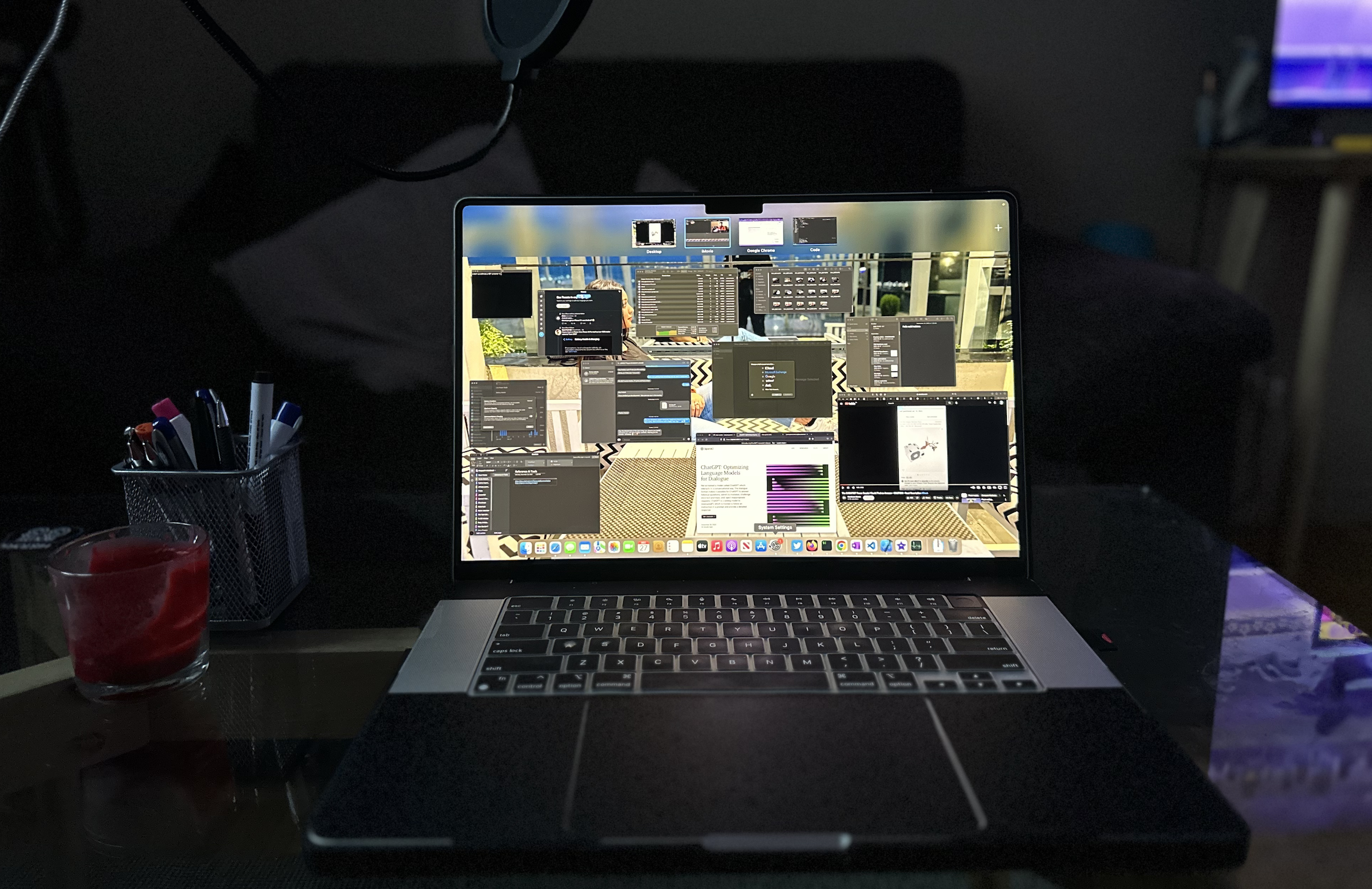

The M1 Pro MacBook Pro 16 has a high price tag. One year ago, we purchased a 1TB/16GB configuration with a 10 Core CPU and 10 Core GPU for $3,840.87. Our long term review aims to help you decide.
Has the MacBook Pro 16 from 2021 been reliable as a primary work machine after one year of use? There is a yes and a no to the question. Well, this article has the answer, or you can watch our YouTube video as below:
An Excellent Design with One Caveat in comparison to MacBook Pro 16 2019
The newly redesigned chassis with three Thunderbolt ports, an HDMI port, an SD card reader, and an updated display are welcome changes. On the surface of this new M1 Pro MacBook Pro 16, everything looks great aside from the bulky design. But the problem starts here. The hinges on this new system are not as good. We have a lightweight MacBook cover, and the hinge fails to take the load of it. Even without the case, we can confirm the issue on this M1 Pro MacBook Pro 16. We went to the Apple store to fix the hinges, and nothing helped.
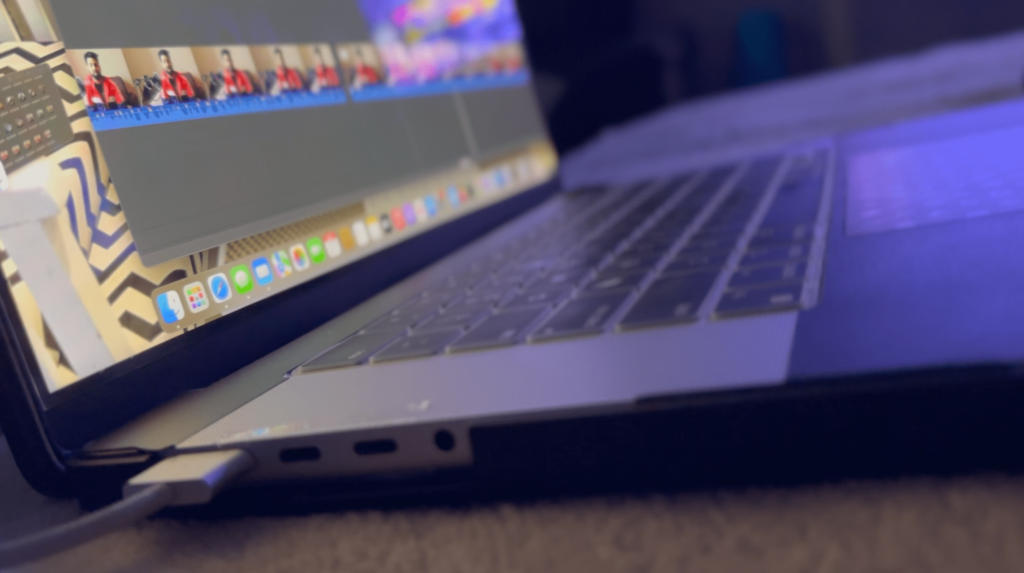
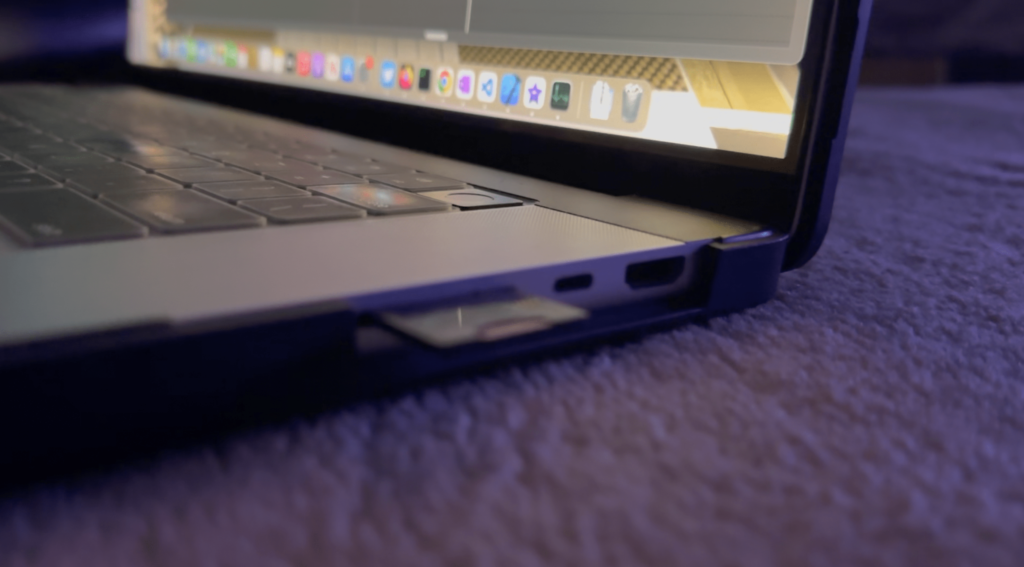
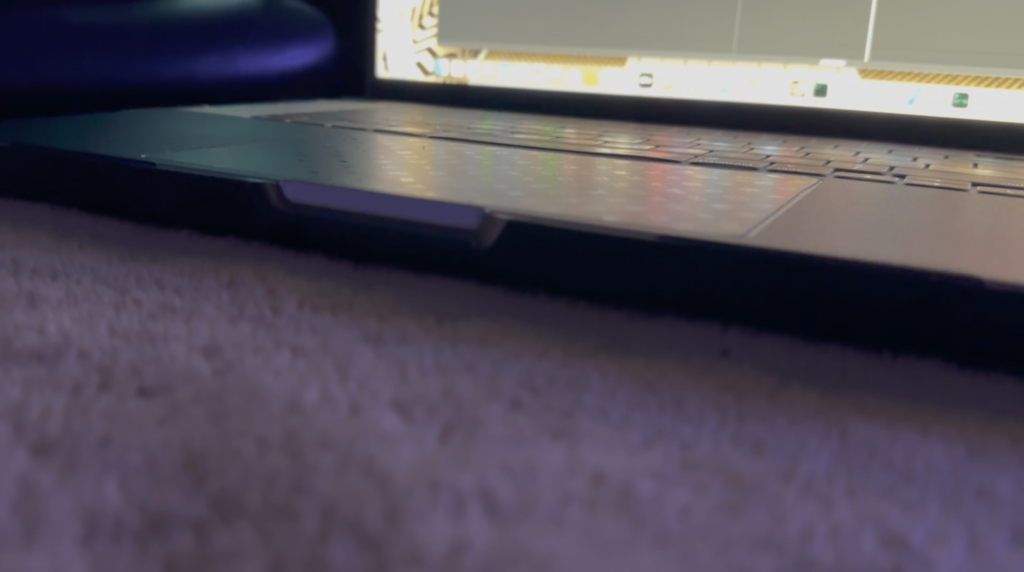
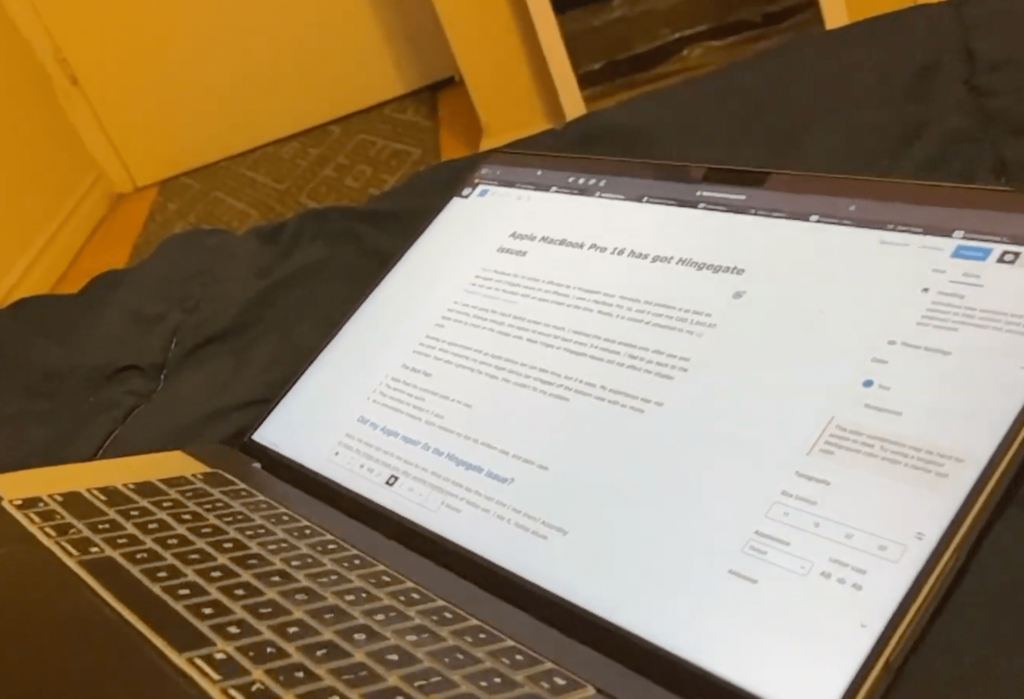
As a result of the hinge gate issue, it is hard to use this MacBook on a lap. Despite its shortcomings, this MacBook is a wonderful piece of technology. This machine is still free of dents and smudges after one year of use. The dbrand skin and the casing on this MacBook contribute to the damage resistance.
This design language is similar to that of the iPad and iPhone, which have straight edges. The design isn’t the best, but it isn’t awful either. Even though the MacBook is bulky, it fits perfectly in our travel bag. If you are still looking into a more confident design the
The MacBook pro 16 inch 2022 – Spectacular Display
The 16.2 inches Mini-Led panel on M1 Pro MacBook Pro 16 with 3,456 x 2,234 resolution is breathtaking. The supplementary real estate is marvellous for our small coding projects and while writing scripts with screen splitting. The display is fun to watch Netflix, Amazon Prime, and other streaming channels. It is a great device for content creating thanks to the wide gamut display with 99% coverage of the DCI-P3 color space and over over 90% Adobe RGB coverage.
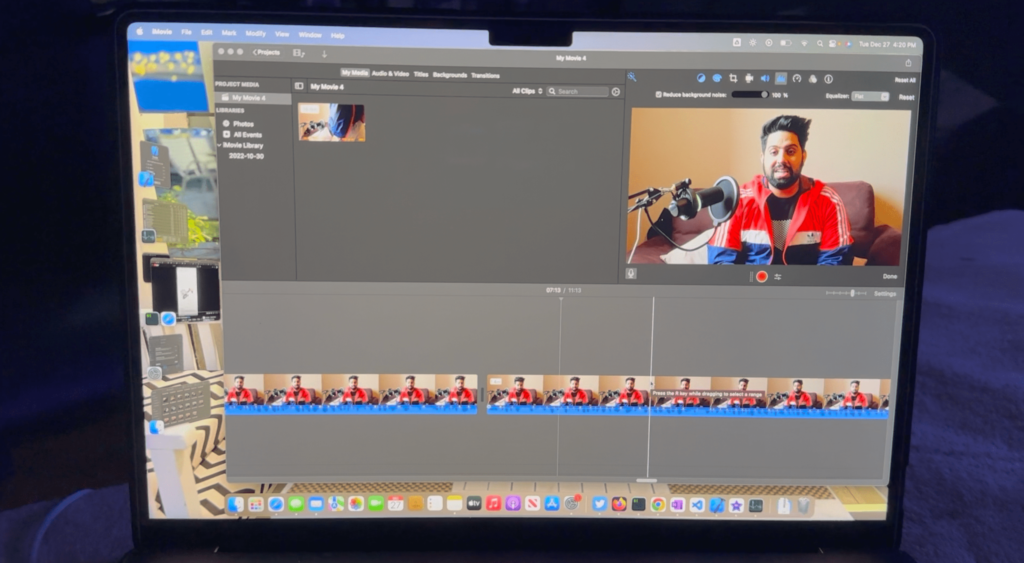
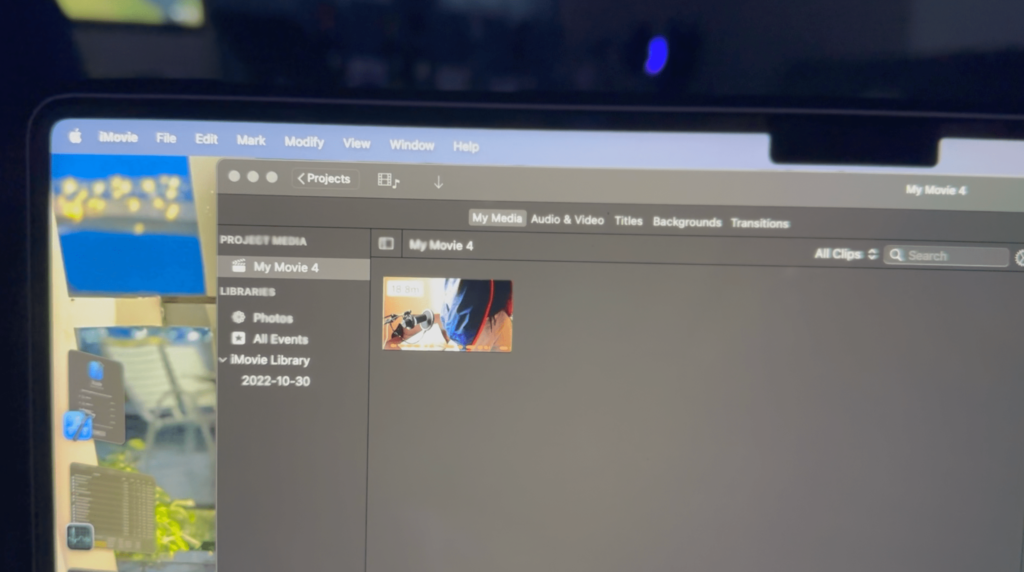
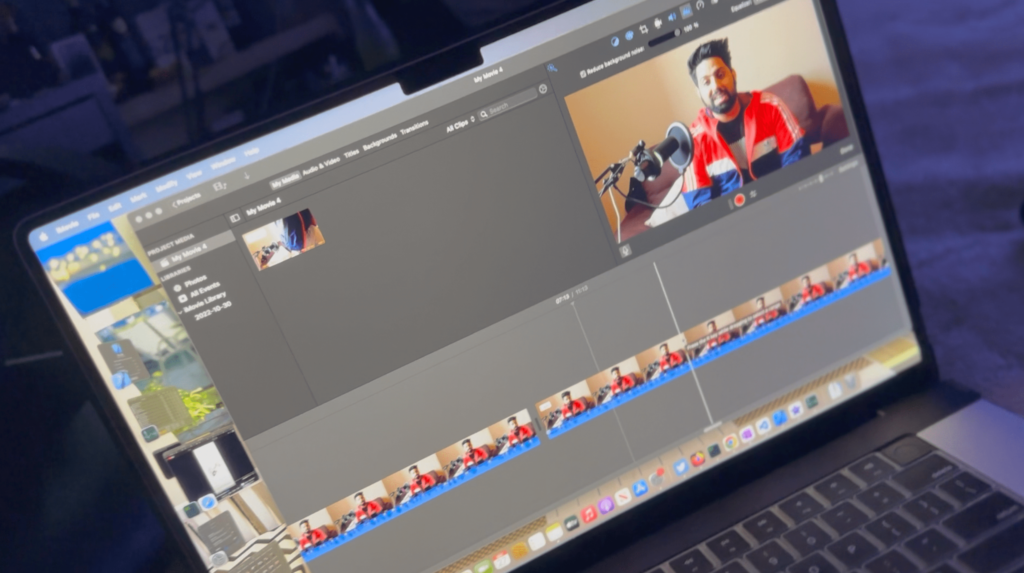
The Notch-design makes no sense other than Apple’s plan to remove it one day as a design upgrade. Nevertheless, the OS fits in the menubars and notification bars on either side of the notch.
Handling the workflow on MacBook pro 16 vs the Windows machine with i7-12799H
The M1 Pro MacBook Pro 16 (10+16) is the perfect laptop for programmers and content creators. In our testing, this laptop performed well on various benchmarking platforms. The CPU scores 11,678 multi-threaded and 1,543 single-threaded on Cinebench 23. According to Blender2.9.1, the CPU encoding completes in 8.3 minutes. No other machine can perform the same at 45W.
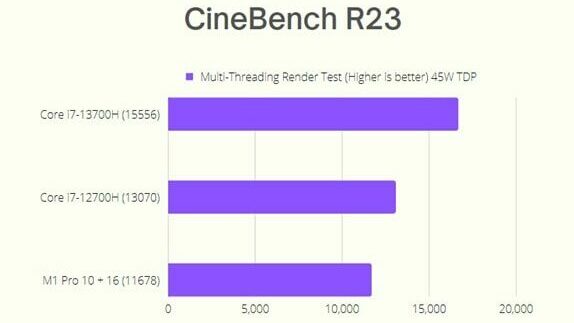
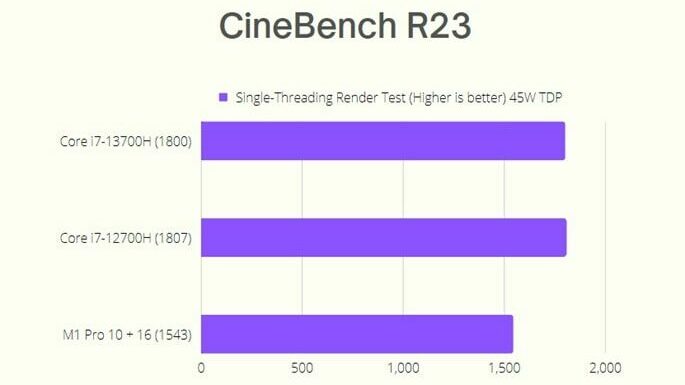
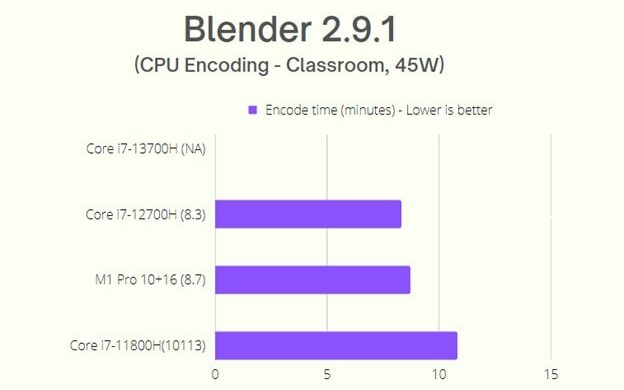
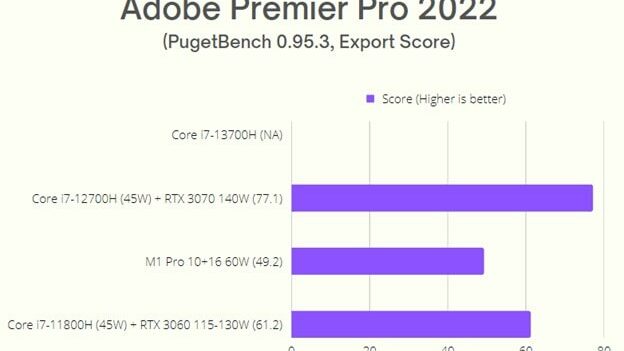
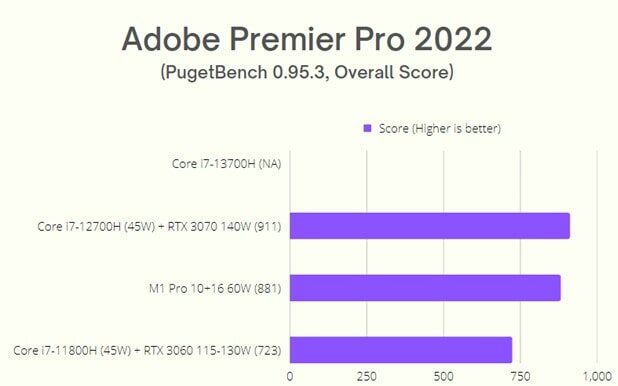
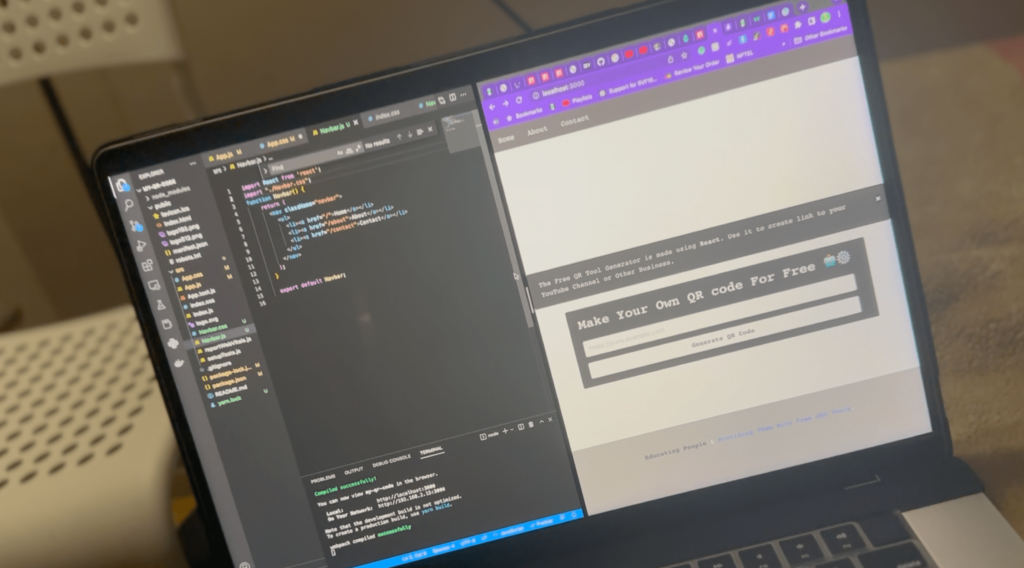
We use coding tools like Android Studio, Xcode, PostMan, VSCode, and PyCharm. We never had a single time when the laptop was not able to perform well. The same is with Adobe Premier Pro, Adobe Photoshop, Adobe Illustrator, and Blender. The laptop handles everything like a breeze.
The M1 Pro MacBook Pro 16 inch 2022 Battery Life
It is surprising to see that the battery health on our MacBook was at 100%. We use this M1 Pro MacBook Pro 16 with a 34-inch LG Ultrawide monitor. The connection goes through a Thunderbolt 4 cable. It helps to charge the device at the same time.
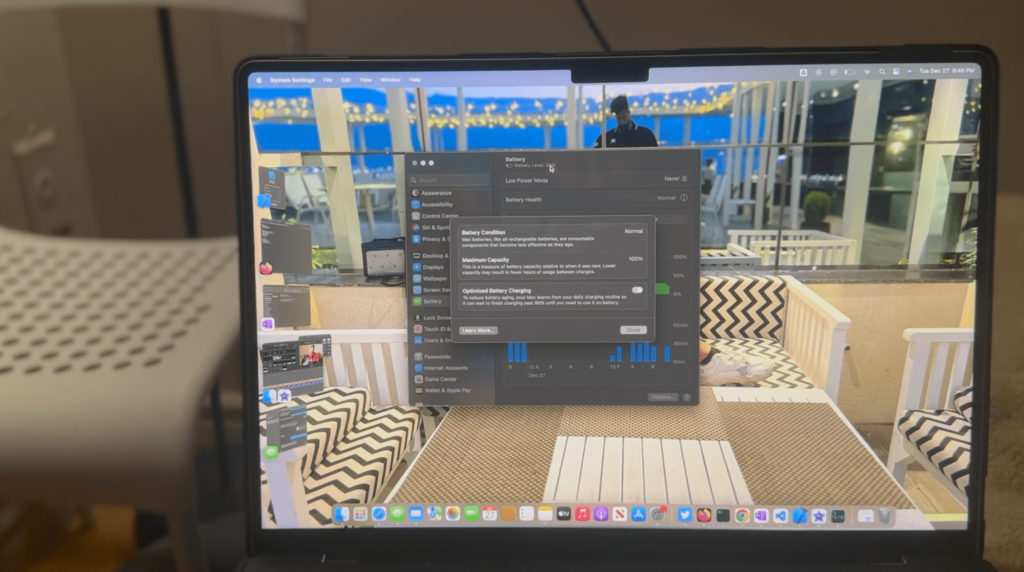
Over the past year, we have hardly used the included 140W wall charger. Even when we are traveling, this machine holds a charge for an entire day of video editing, coding, and content writing. Once at home, it connects back to its Thunderbolt 4 cable again.
The Portability and the MacBook pro 16 sleeve check
The impressive battery life and the existence of a full-size SD-Card reader make it the best portable machine in the year 2023. It is a dream machine for content creators and programmers. We have this Tomtoc 360 Protective Laptop Sleeve for 16-inch MacBook Pro M1 Pro, and no issues pushing the decvice in. Do not forget we have a MacBook pro 16 case and the sleeve has no issues fitting in with our case protected MacBook Pro 16.
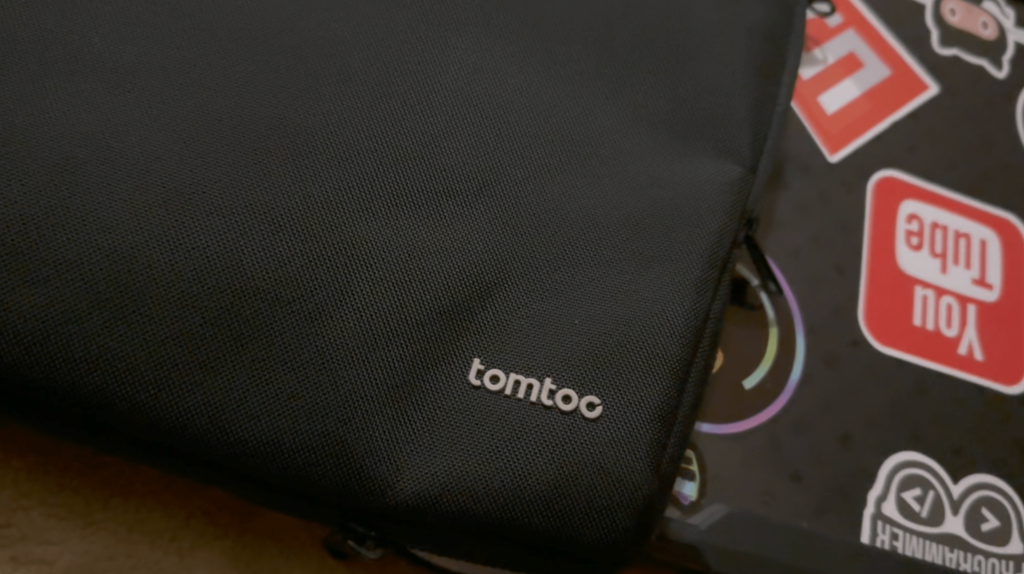
- Link fo the Laptop Sleeve : Click here.
- Link for the Laptop Cover: Click here.
- The Limited edition Dbrand MacBook Pro 16 skin: Click here.
By the way, we have a MKBHD inspired icons skin on our M1 Pro MacBook Pro 16. In case you were wondering the case fits well with the Dbrand skin. Go check out the link above.
The RAM management issues on MacBook pro 16 2021/2022
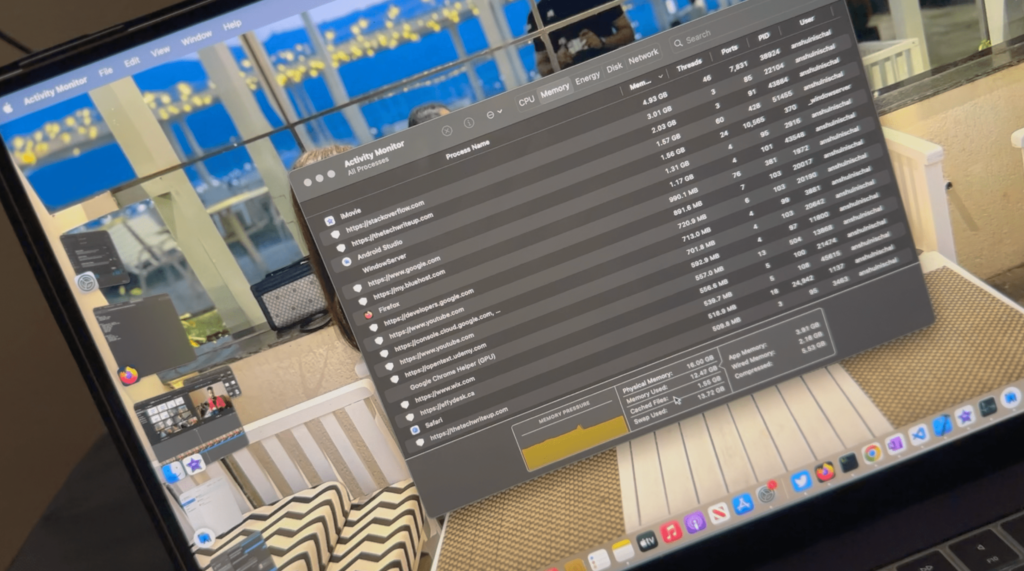
It disappoints to experience the RAM management on these machines. The swap memory on SSDs is not enough sometimes. It is more like a software issue. Some Applications like iMovie alone are enough to crash the M1 Pro MacBook Pro 16. Apple does not have an answer to it.
It is a genuine problem, and you may find it all over the internet. Apple needs to fix the crashing issues on their new MacBook. In our test results, it takes no more than 60GB combined RAM and SSD when these crashes occur. Even with no other application open, and only a few gigabytes of video files under editing on iMovie, you can experience crashes.
The External Display Connection Issues
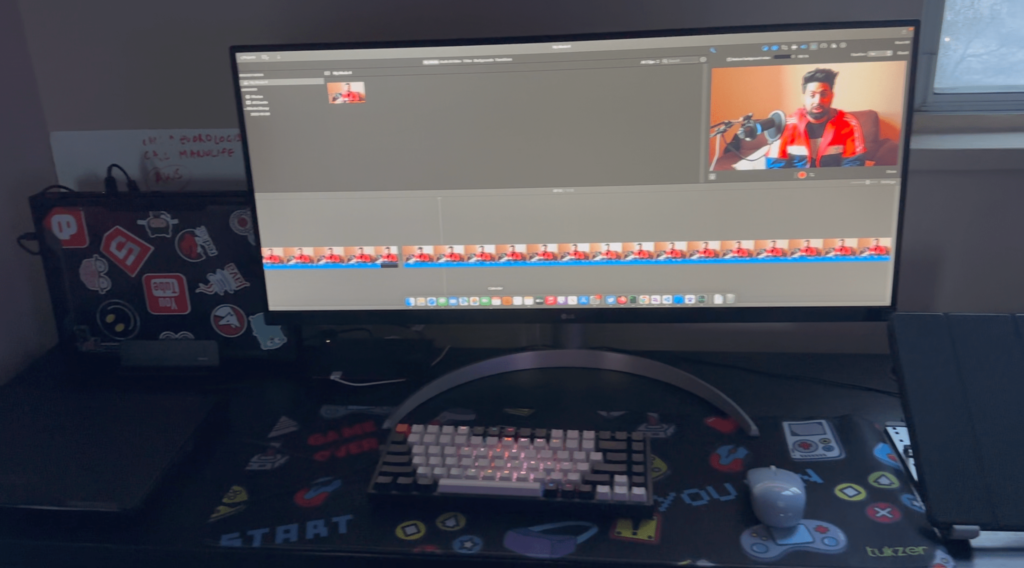
In our time with MacBook Pro 16, we have experienced this issue too often. If the MacBook is sitting idle, and we want to get into it while on external display, it will not wake up with low power mode error on the screen. I can confirm this issue from the reddit forums, and it makes this system annoying. My Lenovo Legion 5 Pro and my Thinkbook does not run into this issue with the same external display.
The verdict:
We dont say that M1 Pro MacBook Pro 16 is a remarkable machine, but it has a few little flaws which can be annoying. These issues does not get fixed in the M2 chip as well. For the time, we suggest not buying the highest variant of these MacBooks and stick with the lowest configurations. Spend the rest of money on a Windows machine if you can.
M1 Pro MacBook Pro 16 2021— Pros
- Design that’s sleek
- Chipsets like the M1 Max are still very capable
- Several ports to choose from
- Stunning display
- Exceptional battery life
M1 Pro MacBook Pro 16 2021 — Cons
- Touch Bar’s loss still grieves us
- Your mileage may vary, but four Thunderbolt ports is more flexible than three with HDMI and SD
- Wi-Fi 6e not available
Also, do not forget to read our following Articles:
- Capture Windows Screen – Snipping Tool Screen Recording 2023
- i7-12700H will still be amazing laptop CPU in 2023?
- Samsung S23 Ultra 2023 – Release Date, Price, Specs?
- Pixel 7: Google’s New Phone top 5 issues
- How to enable Windows 11 Taskbar on Windows 10?
- How to enable Nearby Sharing on Windows 11 – AirDrop alternative for Windows users!
- Android 13 Update List Tracker – Amazing 2022 Guide
- How to clear iPhone RAM? Amazing 2022 Guide