


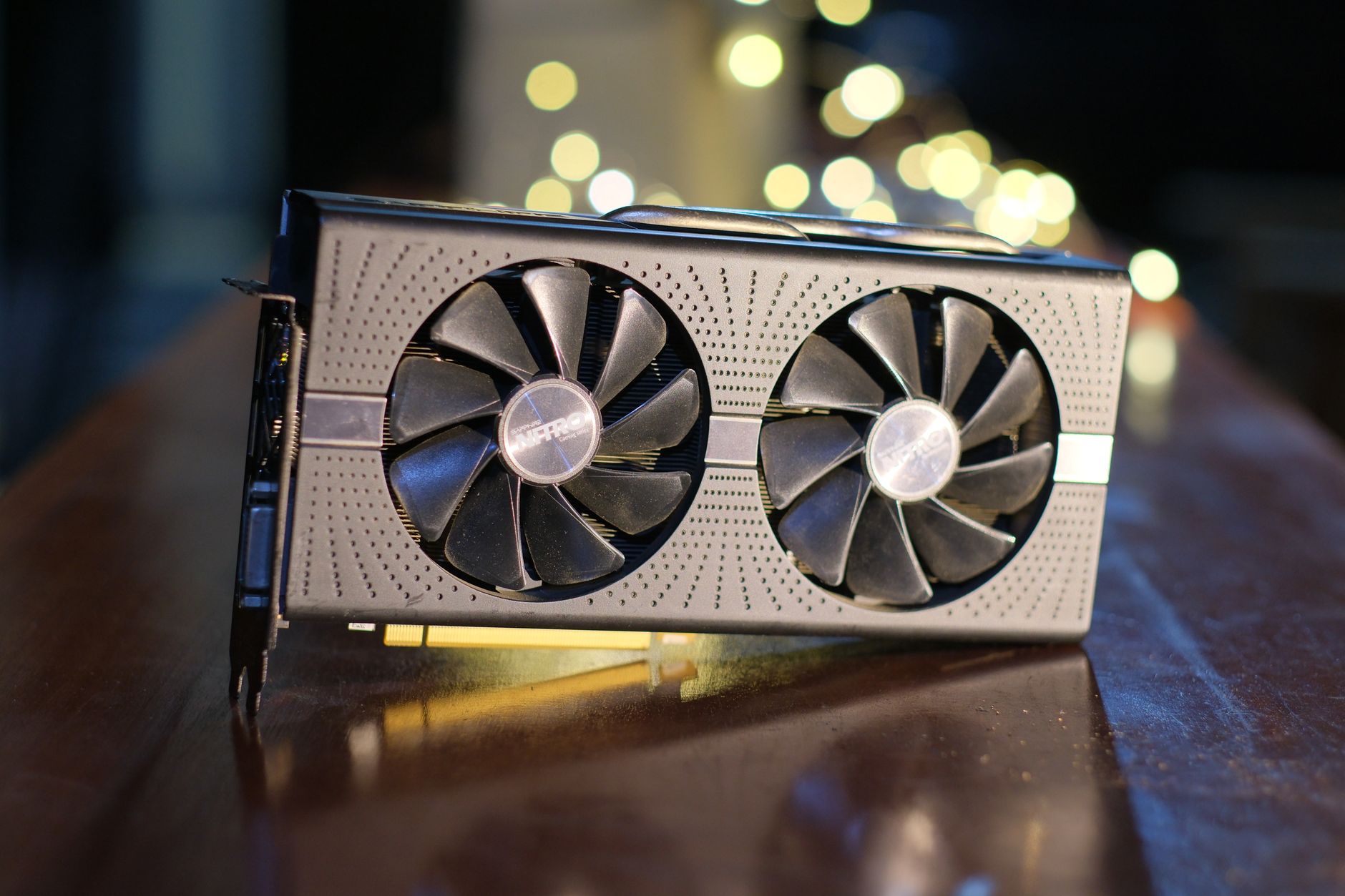

Featured image: Photo by KyoRa Kee on Pexels
Understanding the Limits of GPU Utilization
High GPU usage often signals a system working hard, but it doesn’t always equate to peak performance. Users monitoring their hardware with tools like MSI Afterburner may assume that hitting 100% utilization means their graphics card is operating at maximum capacity. However, this assumption can be misleading. A GPU running at near-full utilization might still face constraints that limit its ability to deliver optimal frame rates or responsiveness.
The Myth of 100% Utilization
The relationship between GPU usage and clock speed is not always direct. While a GPU may be busy processing tasks, its actual performance can be hindered by power or thermal limits. For example, an RTX 4090 with a thermal threshold of 90°C may begin reducing clock speeds before reaching that temperature to manage heat. Similarly, a 450W GPU might stay within its power cap, even if utilization is high. These adjustments can occur without noticeable changes in the utilization percentage displayed by monitoring software.
Thermal and Power Constraints
Both power and thermal limits play a significant role in determining how aggressively a GPU can boost its clock speed. Nvidia’s GPU Boost algorithm dynamically adjusts performance based on available headroom, which means a GPU at 99% utilization might not be operating at its highest possible clock speed. This behavior can be observed even in high-end cards like the RTX 4090, where manual adjustments via tools like MSI Afterburner might be necessary to push beyond default limits.
VRAM Limitations
GPU usage alone does not indicate whether a card has sufficient VRAM for a given workload. For instance, an RTX 5060 Ti 8GB variant and its 16GB counterpart may both report similar utilization levels in a game like Battlefield 6, but the 8GB version could struggle with VRAM shortages. When VRAM is exhausted, the GPU must fetch data from system memory over PCIe, a process significantly slower than accessing VRAM. This can lead to lower frame rates, inconsistent performance, and visible stuttering, even if utilization metrics appear normal.
Beyond the Numbers
While high GPU utilization is generally a positive sign that no other component is bottlenecking performance, it should not be the sole metric considered. A CPU bottleneck, for example, can limit GPU usage to 70% or lower, even if the GPU is capable of higher performance. Conversely, a GPU running at 100% utilization might still suffer from latency spikes or frametime instability, particularly in fast-paced games where frame queuing can impact responsiveness. Tools like Nvidia Reflex address these issues by reducing input latency, highlighting the importance of looking at broader performance indicators.
FAQ
Why might a GPU at 100% utilization still underperform?
High utilization does not guarantee maximum clock speeds or efficient workloads. Power, thermal, and VRAM constraints can all limit performance even when utilization is near 100%.
How does VRAM affect GPU performance at high utilization?
Insufficient VRAM forces the GPU to access slower system memory, leading to lower frame rates, increased frametime variability, and stuttering, even if utilization metrics remain high.
Is lower GPU utilization always a bad thing?
No. Lower utilization can indicate that the CPU is the bottleneck, or that the GPU is operating within its power/thermal limits. It’s not inherently negative if frame rates and responsiveness meet expectations.
The Hard Truth
Reliance on GPU utilization as the sole performance indicator can overlook critical factors like VRAM availability, power limits, and latency. Users should monitor additional metrics, such as frametime stability and latency, to ensure a balanced assessment of their system’s capabilities.
Source Attribution
Source: XDA
Source: XDA