


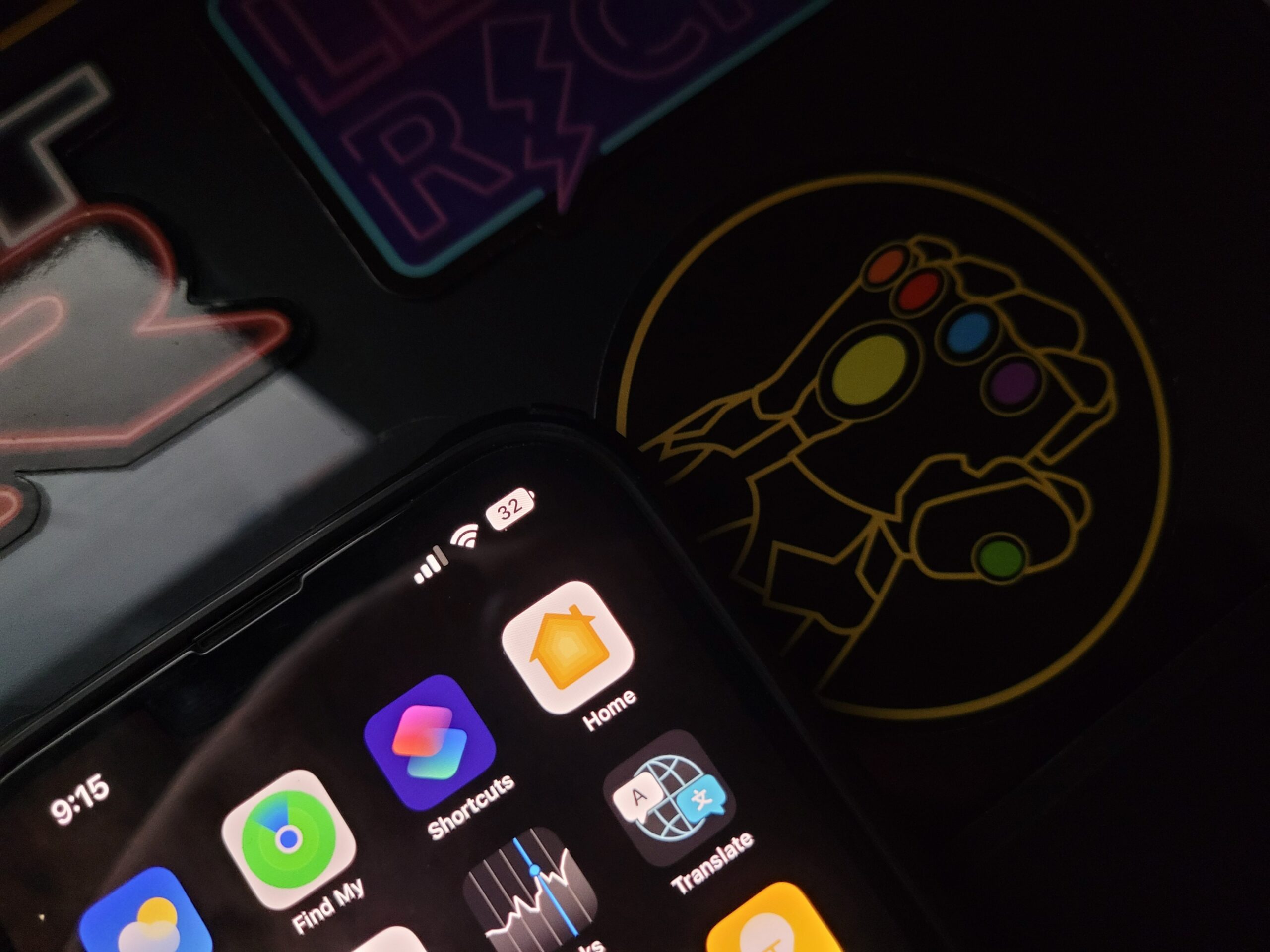

Battery widgets for iPhones are the best way to display battery percentages on your iPhones. Apple used to show battery percentage in the status bar with older iPhones. With the FaceID feature, Apple disabled the feature to save some space on the status bar.
Starting from iPhone X up to iPhone 13 series did not have this feature. As Apple is revising its strategies, it is bringing more features back with iOS 16. Yesterday, we installed iOS 16 Beta 5 on one of our devices. There is an option in this latest beta that enables the battery percentage under the battery settings.
Among the highlights of these iOS 16 updates are iOS 16 unsend messages, iOS 16 updated lock screen, and iOS 16 wallpapers. Seeing other visual changes makes us believe more in Apple products.
Why did Apple make an excuse for Face ID being the reason for no battery icon?
Apple is true to its customers. iPhone status bar height and width with Face ID TrueDepth camera system did not allow for battery percentage on newer iPhones. Although this is true, Apple took its time to perfect the battery to provide a better idea of battery status at a glance.
In iOS 15 and earlier versions of iOS we do not see the real percentgae, but it shows a visual representation of battery life. Users can view the battery widget by swiping down to Control Center or swiping over to the Today center.
iPhone battery percentage iPhone 12 / iPhone battery percentage iPhone 13. Why do we need battery percentage on status bar?
A few of the reasons for doing that are as follows:
- A quick look at the battery several times of the day reminds us of our charging habits.
- It allows us to remember to charge at specific times in a day.
- We do not have to connect to the charger everytime to know the battery percentage.
- Knowing that the battery is above 50% makes us believe we do not need to charge battery at night.
- Unlike iOS 15, we do not need to swipe down the notification center to see battery widget.
Depending on battery status, the battery icon changes colors from green to yellow to red in iOS 16. Additionally, it matches the iPhone’s wallpaper. For instance, the battery icon appears green when the device is charging.

iPhone battery percentage xr / iPhone battery percentage 11 / iPhone battery percentage 12/13 mini
In the Battery section of the Settings app, you can toggle the battery percentage on and off. The battery percentage feature is not available on the iPhone 12 mini, iPhone 13 mini, iPhone 11, or iPhone XR but is available on most iPhones with a notch. The reason is that the screen resolution is lower, and the space is limited.
When is the iOS 16 & iPadOS 16 Release Date?
iOS 16 will release later this fall along with the new iPhone 14 series. According to Bloomberg, we expect it to launch in mid-September. We expect Apple to work on some bug fixes on iPadOS 16. It means we may see a one-month delay for the iPadOS release.
All iPhones after the iPhone 8 and iPads starting with the 5th generation iPad will be able to update to the latest iOS/iPadOS 16. If you want to experience the latest iOS 16 features, do not forget to be a part of the Apple developers team and test it using this link.
Also, do not forget to read our following Articles: