


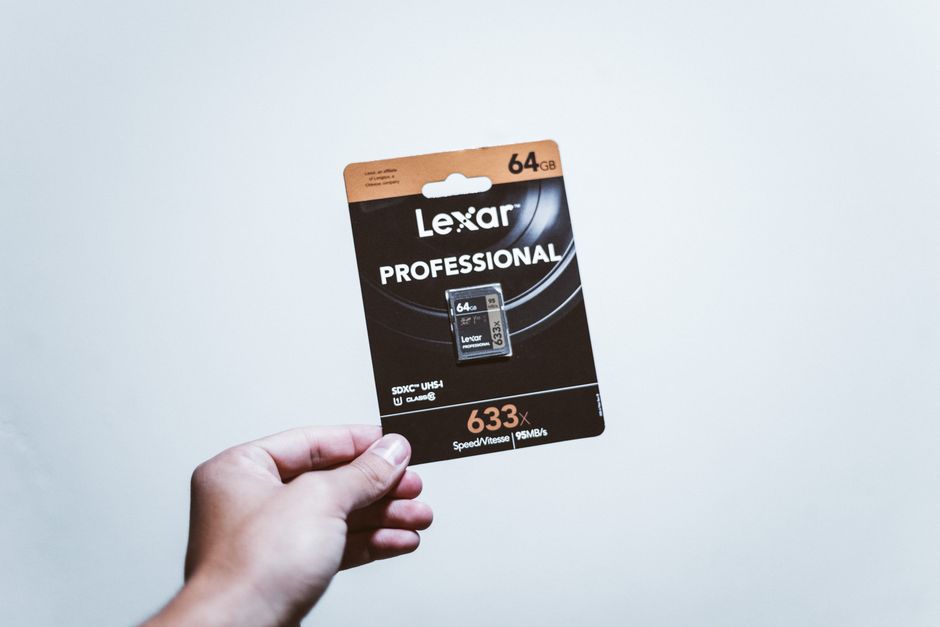

Featured image: Photo by Luis Quintero on Pexels
Memory cards remain vital, but counterfeit threats grow
Despite the rise of newer technologies, memory cards continue to play a critical role in modern devices. From smartphones to drones, these compact storage solutions power a wide range of gadgets. However, the same devices that rely on memory cards are also increasingly targeted by counterfeiters. Fake memory cards, often indistinguishable from genuine ones, are flooding both online and offline markets, posing a significant risk to users.
Counterfeit memory cards are not a new phenomenon, but their prevalence has surged in recent years. Scammers exploit weak security measures in packaging and firmware to produce fakes that mimic legitimate products. These forgeries often fall short of advertised specifications, offering reduced storage capacity and slower read/write speeds. For instance, a card marketed as 512GB may actually hold far less, or fail to deliver the performance promised.
Testing a memory card before use is essential. Free tools such as CrystalDiskMark can assess read/write speeds, while ValiDrive checks for misreported storage capacity by writing data to random sectors. For a thorough inspection, h2testw scans every sector of the card, though this process may take hours depending on the device’s capacity.
Even before purchasing, buyers should exercise caution. Extremely low prices for high-capacity cards—such as 512GB SD cards listed for under $40—raise red flags. Physical inspection of packaging for typos, poor print quality, or mismatched color tones can also help identify fakes. However, verifying serial numbers online is ineffective, as scammers often replicate genuine ones.
The hard truth
Counterfeit memory cards are a persistent threat, and buyers must remain vigilant. No tool or precaution guarantees complete protection, but combining price scrutiny, physical checks, and post-purchase testing significantly reduces the risk of falling victim to scams. Returning a card immediately upon discovering discrepancies is crucial.
Frequently asked questions
What tools can detect fake memory cards?
Tools like CrystalDiskMark, ValiDrive, and h2testw are recommended for testing. CrystalDiskMark checks read/write speeds, ValiDrive identifies false capacity claims, and h2testw performs a comprehensive sector-by-sector scan.
Why are counterfeit memory cards a problem?
Fakes often underperform, offering less storage and slower speeds than advertised. They can also compromise data integrity, leading to data loss or corruption if used in critical devices like cameras or drones.
How can buyers avoid counterfeit memory cards?
Avoid deals that offer unusually low prices for high-capacity cards. Inspect packaging for poor print quality, and purchase only from reputable retailers. Testing the card immediately after purchase allows for returns if fakes are detected.
Source attribution
XDA: https://www.xda-developers.com/fake-memory-cards-everywhere-how-to-spot-them/
Source: XDA