


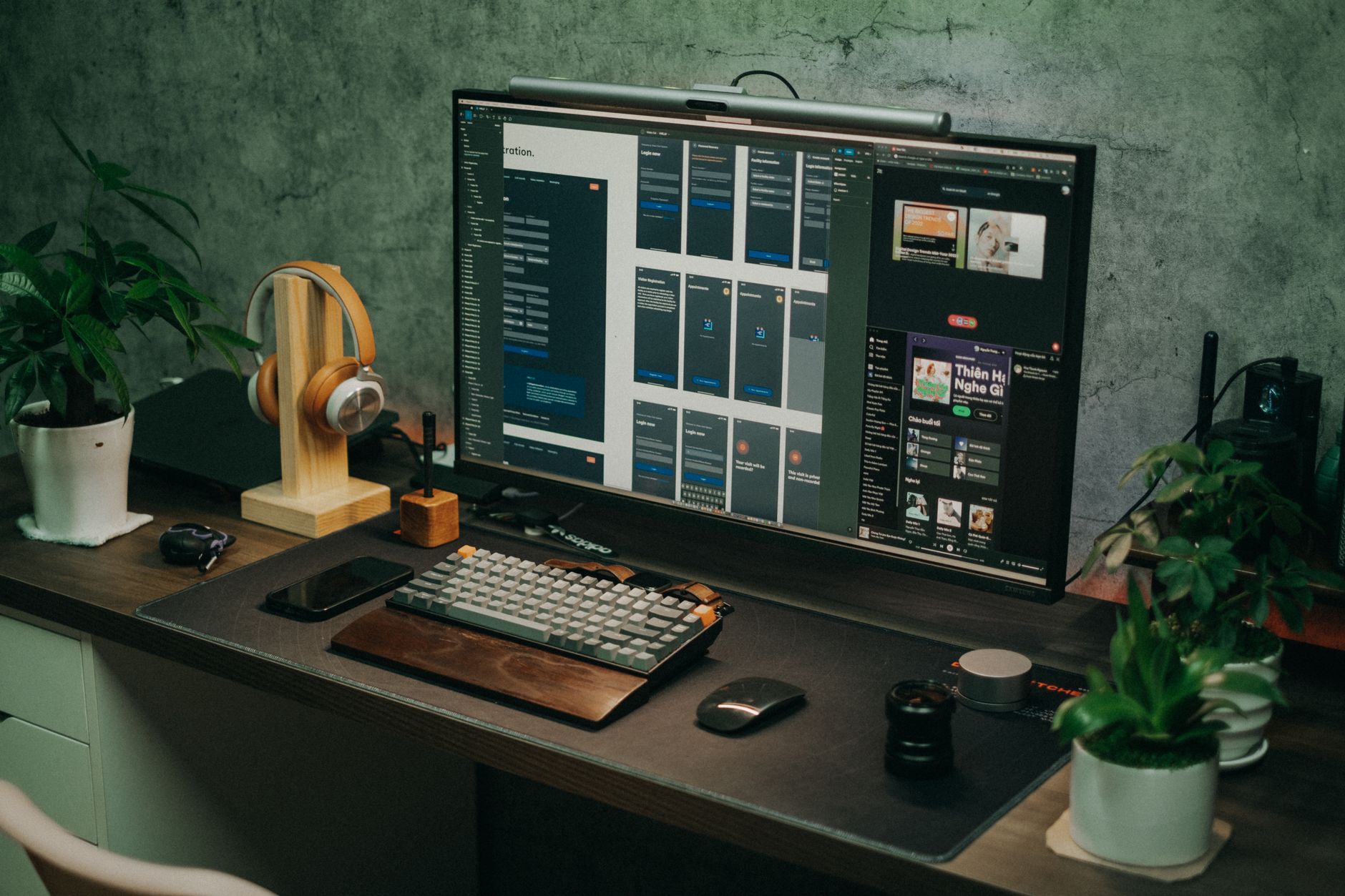

Featured image: Photo by Pew Nguyen on Pexels
Unlocking the Power of Samsung Galaxy Phones: The DeX Experience
While most smartphones prioritize portability and battery life, Samsung has long pursued a different path. Its DeX feature, introduced with the Galaxy S8 series, transforms compatible Galaxy devices into desktop-like environments. Despite its availability on numerous models, the feature remains largely unexplored by users. For those curious about its potential, the benefits of DeX extend beyond casual use, offering a glimpse into a more productive mobile experience.
A Desktop-Like Interface, Without the Complexity
DeX aims to replicate a traditional desktop layout, with elements like quick settings, app launchers, and navigation buttons positioned intuitively. Users can customize backgrounds and manage windows, though the experience relies heavily on app compatibility. Supported applications, such as Chrome, Gmail, and Google Docs, adapt well to full-screen mode, enabling multitasking like browsing emails alongside composing replies. However, not all apps fully embrace the desktop layout, which can limit functionality for some users.
Minimal Investment for a Versatile Setup
Enabling DeX requires minimal hardware: a USB Type-C to HDMI hub, a power source, and optionally, a keyboard and mouse. A basic hub costs around $10, with additional ports accommodating peripherals. While Samsung offers more advanced docks like the DeX Pad and DeX Station, these are outdated and incompatible with newer models. For most users, the low-cost hub suffices, making the setup accessible even for casual use cases.
Use Cases Beyond the Obvious
DeX serves multiple purposes. It can act as a temporary workspace for urgent tasks, allowing users to check emails, conduct calls, or edit documents on a larger screen. Older Galaxy devices can also function as lightweight PCs, streaming media or running simple games via third-party apps. Families may find it useful as a secondary setup for children or parents, offering a familiar interface without the need for a dedicated computer.
Frequently Asked Questions
-
What hardware is required to use Samsung DeX?
A USB Type-C to HDMI hub, a power source (like a wall adapter or power bank), and optionally, a keyboard and mouse. Samsung’s DeX Pad and DeX Station offer more advanced options but are not compatible with newer models.
-
How do apps perform in DeX mode?
Supported apps like Chrome, Gmail, and Google Docs adapt well, enabling multitasking. However, some apps may not fully utilize the desktop layout, limiting their usefulness.
-
What are common use cases for DeX?
It is ideal for quick work sessions, repurposing old Galaxy devices as lightweight PCs, or setting up a secondary device for family members. It also supports streaming media and playing lightweight games.
The Hard Truth
DeX is not a full replacement for a traditional PC but offers a functional, if limited, desktop experience. Its utility depends on app compatibility and the willingness to invest in peripherals. For users seeking a seamless, feature-rich desktop alternative, it falls short, but it remains a valuable tool for specific tasks and scenarios.
Source Attribution
XDA: https://www.xda-developers.com/samsung-dex-is-the-best-thing-a-galaxy-phone-can-do/
Source: XDA