


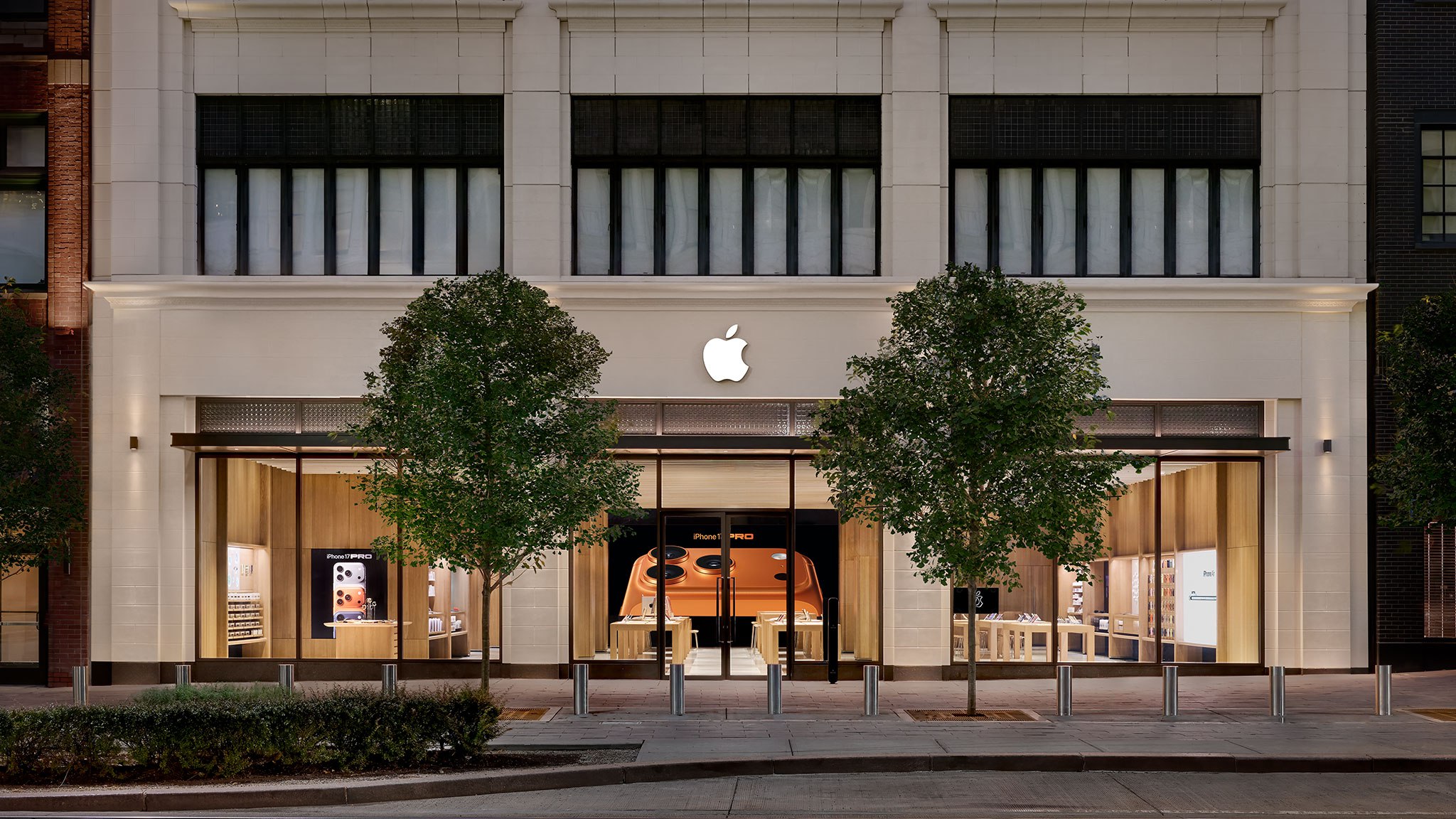

Featured image: Image via MacRumors: Mac News and Rumors – Front Page
Apple Store Subscription Sign-Up Controversy Exposed
In a series of YouTube videos shared over the past two weeks, electronics technician and consumer rights advocate Louis Rossmann has exposed a controversy involving Apple Store employees allegedly signing up customers for auto-renewing subscription trials without their informed consent. The process, which occurs during in-store interactions, has raised concerns about transparency and customer privacy.
How the Process Works
At Apple Stores in the United States, employees may ask customers if they would like to scan a QR code for a “Connect and Personalize” experience. If customers agree, employees can view information such as the devices they own, their Apple subscriptions, and available subscription offers. Employees can then present these offers with “Agree” and “Decline” buttons on their devices. The default payment method linked to the customer’s Apple Account is automatically available for subscription sign-ups, provided it has not expired.
However, tipsters who contacted Rossmann allege that some employees activated subscription trials without adequately explaining that customers would be automatically charged later. Some employees allegedly rushed through the process or framed the trials as “gifts,” while others reportedly tapped the “Agree” button themselves to meet performance targets.
Performance Metrics and Apple’s Response
Until early last week, Apple tracked a metric called the “services attach rate,” with a target of 40% for each retail employee at some U.S. stores. This metric encouraged employees to sign up at least four out of every 10 customers for subscriptions. MacRumors confirmed that Apple removed this metric shortly after Rossmann’s videos were published, though the official explanation cited reduced relevance during the holiday season.
Apple also issued an internal memo to retail employees, emphasizing the importance of respecting customer privacy and obtaining consent when offering subscription trials or using the “Connect and Personalize” system. The memo was released ahead of Apple’s holiday shopping season, which began on Friday, and aimed to address concerns raised by Rossmann.
User Impact and How to Check Subscriptions
Customers who unknowingly signed up for subscriptions may receive an email from Apple when a trial is activated, but they might not recognize the email as a subscription that will automatically renew. To check active subscriptions, iPhone users can open the Settings app, tap their name, and select “Subscriptions.” From there, they can cancel individual subscriptions or all services. Disputing unexpected charges can be done via reportaproblem.apple.com.
FAQ
How can I check if I have active subscriptions on my Apple Account?
On an iPhone, open the Settings app, tap your name at the top, and select “Subscriptions.” This will display a list of active subscriptions, including trials. You can cancel individual subscriptions or all services from this screen.
What did Apple do after the controversy was exposed?
Apple removed the “services attach rate” metric for employees shortly after the controversy was highlighted. The company also issued an internal memo reminding retail staff to obtain customer consent when offering subscription trials or using the “Connect and Personalize” system.
What was the “services attach rate” metric?
The “services attach rate” was a performance metric that required Apple Store employees to sign up at least 40% of customers they assisted with device purchases for at least one subscription. This target was reportedly used to incentivize subscription sign-ups.